Product
Everything your community does, on a phone
Memberside compiles a real native app from your site and the plugins running on it. Here is exactly what goes in it, and what is still on the way.
Integrations
The plugins we build from
Memberside reads the plugins already installed on your site. Nothing is migrated, nothing is duplicated, and a feature is only offered once its plugin is active.

Ultimate Member
Community
Member directories, profiles, profile forms, registration and login — rendered as native screens.

BuddyPress
Community
Groups, the activity stream, the member directory and profiles as native screens, with every xProfile field type intact. Profiles and directories use the same layouts as Ultimate Member’s, so a site running both does not look like two apps. Its notifications can move across to your app one event at a time.

BuddyBoss Platform
Community
The same eleven community screens as BuddyPress, which it is built from — groups, the activity feed, member connections, messages, profiles and notifications, all native. It replaces BuddyPress and bbPress rather than running beside them, so its bundled forums are not the bbPress screens.

WooCommerce
Store
Products, variations, reviews, cart and checkout, with saved payment methods in the account tab.

myCred
Gamification
Points, ranks and badges on member profiles, plus a leaderboard members can switch by point type and period.

Better Messages
Chat
Private one-to-one conversations with unread badges and push-ready threading.

LearnDash LMS
Courses
Your course catalogue, each course’s lessons and progress, and quizzes members take right in the app — every question type, graded by LearnDash itself. Pin one course, lesson or quiz to a button of its own. Free courses enroll in the app; paid ones open your own course page, signed in.
Native screens
Built as app screens, not embedded pages
These read your site's REST API directly and render with native widgets — including skeleton loaders while data arrives and full dark-mode support.
Member directory
Profiles
Sign in & account
Messaging
News feed
Groups & activity
Followers & friends
Notes
Reviews & ratings
Store & cart
Points & badges
Notifications
Announcements
Search
Photo albums
Bookmarks
Members map
Courses & quizzes
Forms
Job board
Block members
Terms agreement
Delete account
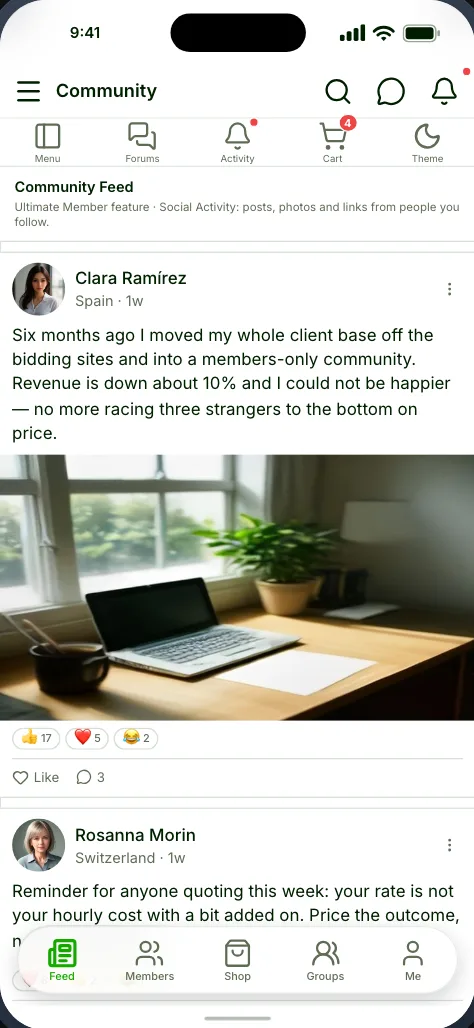
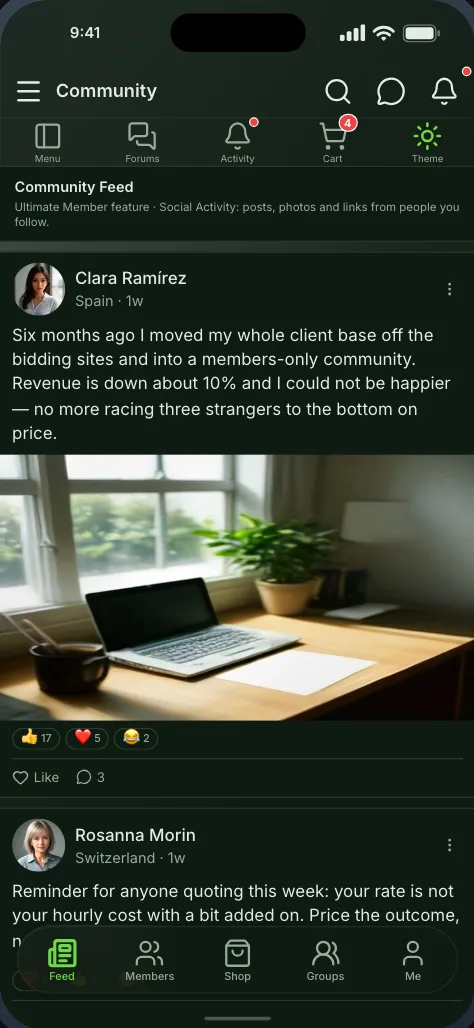
Community feed
Posts, photos and reactions — Ultimate Member
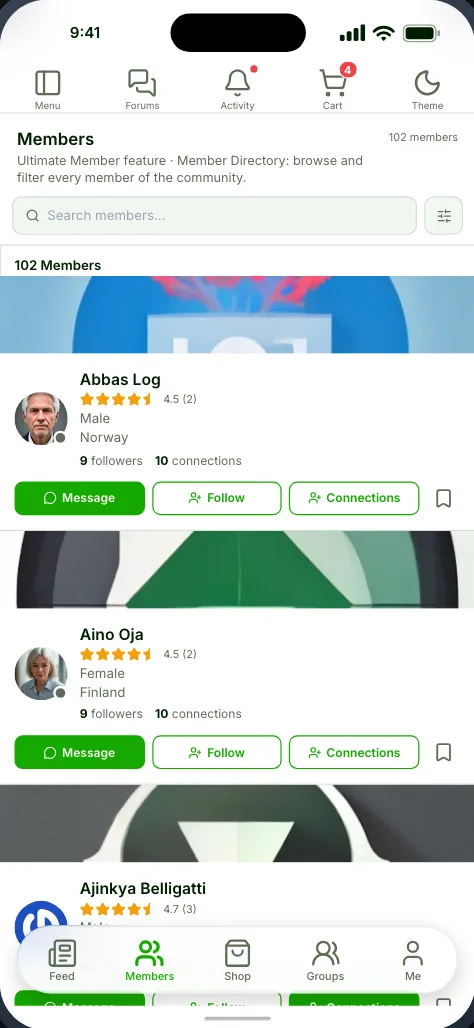
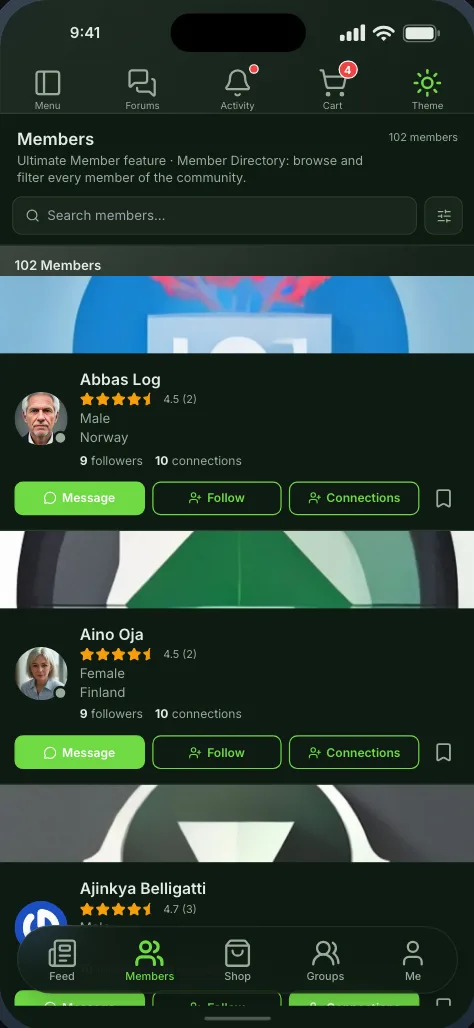
Member directory
Search, filters and follow buttons — Ultimate Member
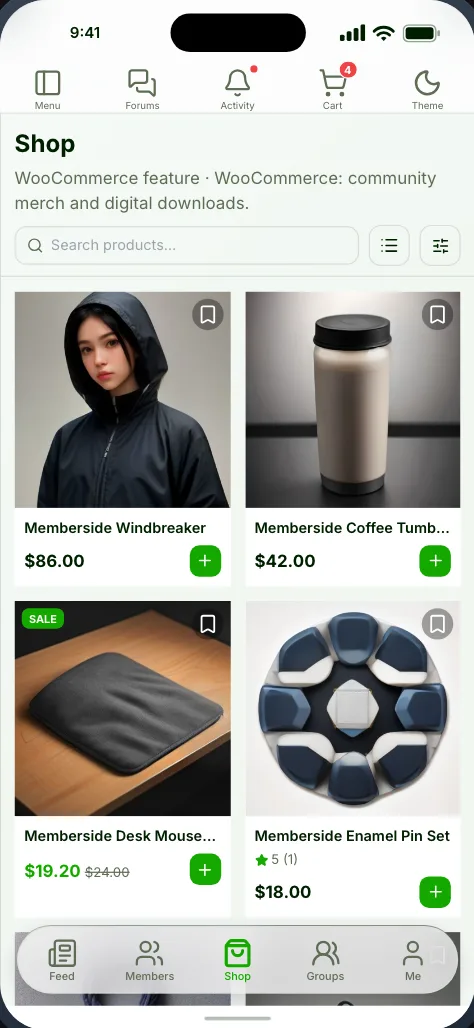
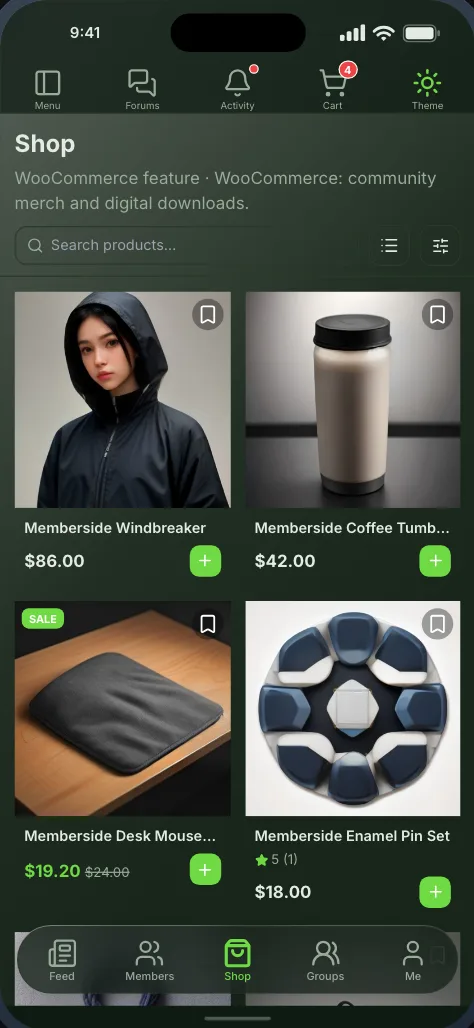
Store
Products, sale prices and reviews — WooCommerce
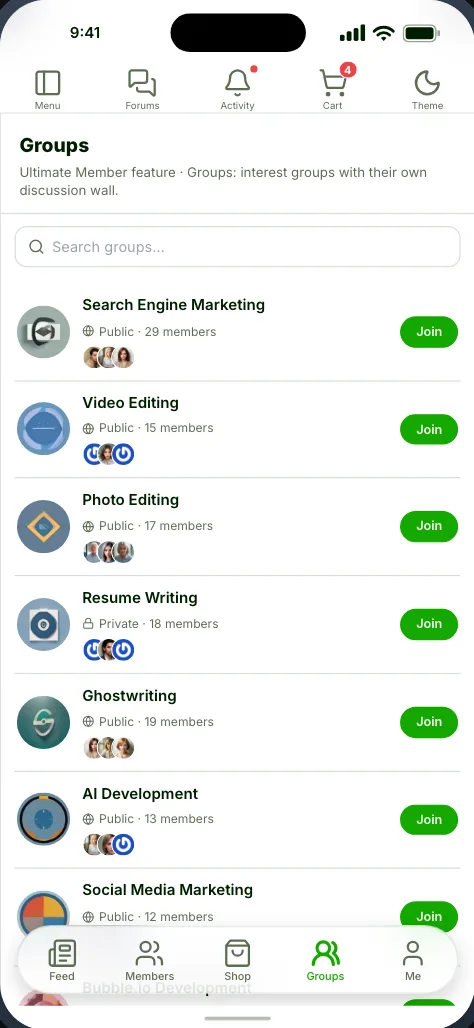
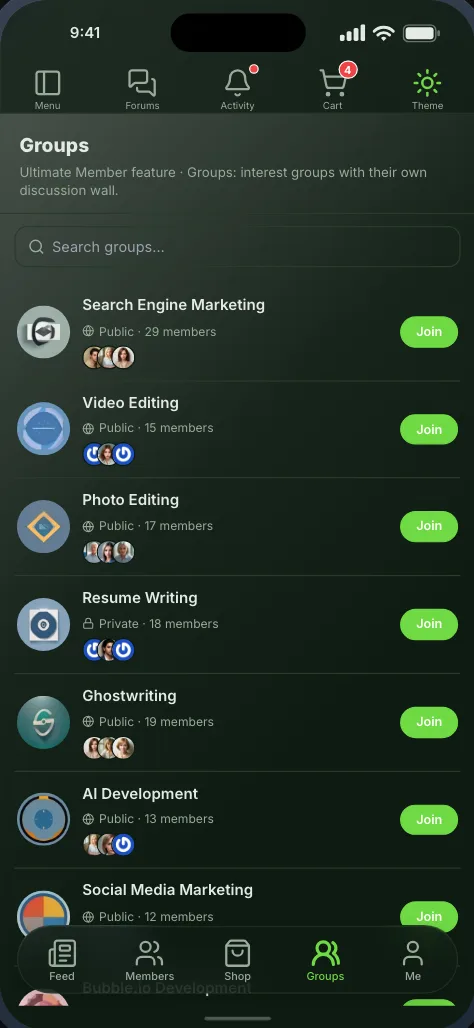
Groups
Join a group and post to its wall — Ultimate Member
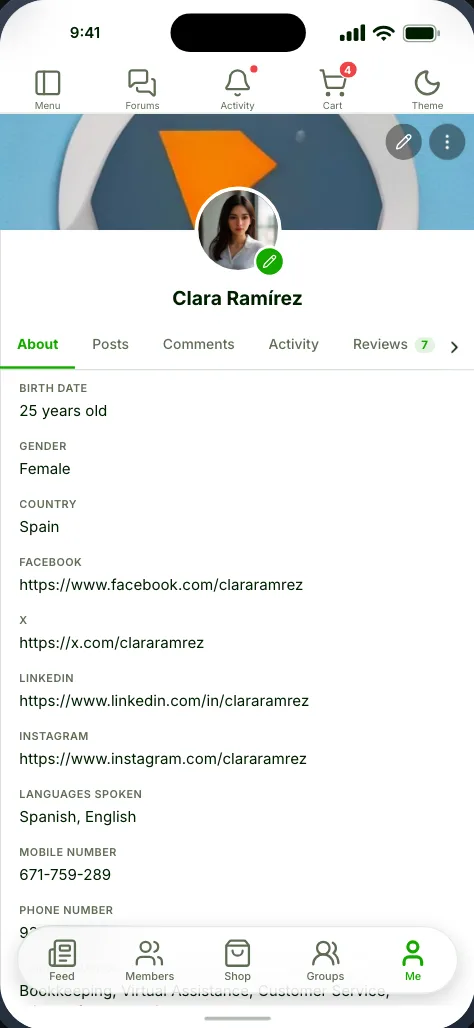
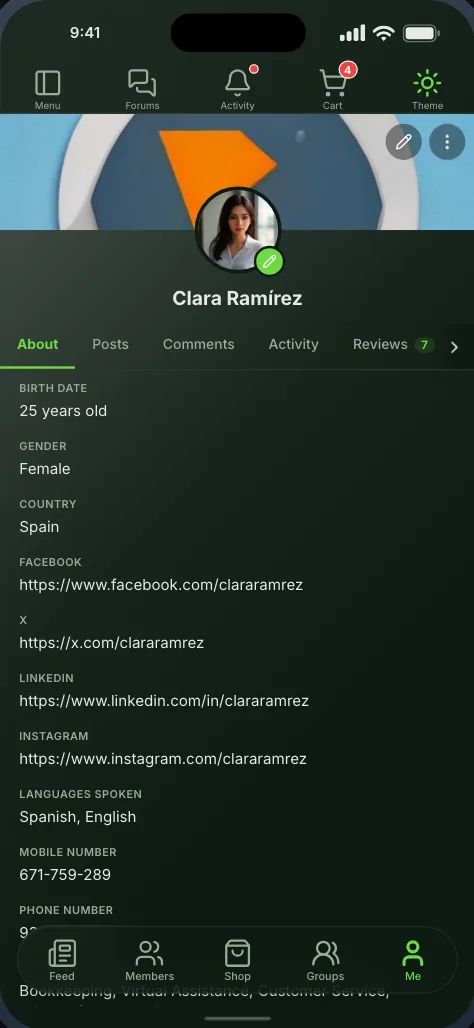
Profiles
Your own profile fields, natively — Ultimate Member
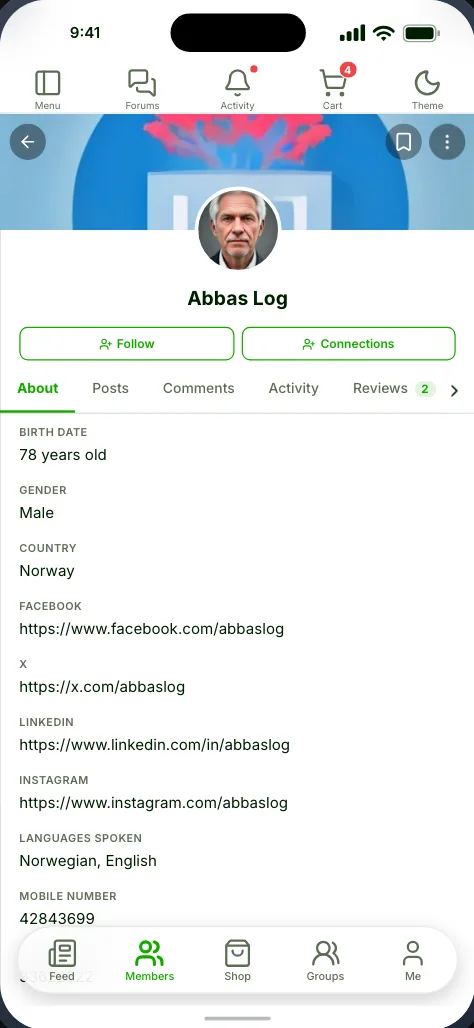
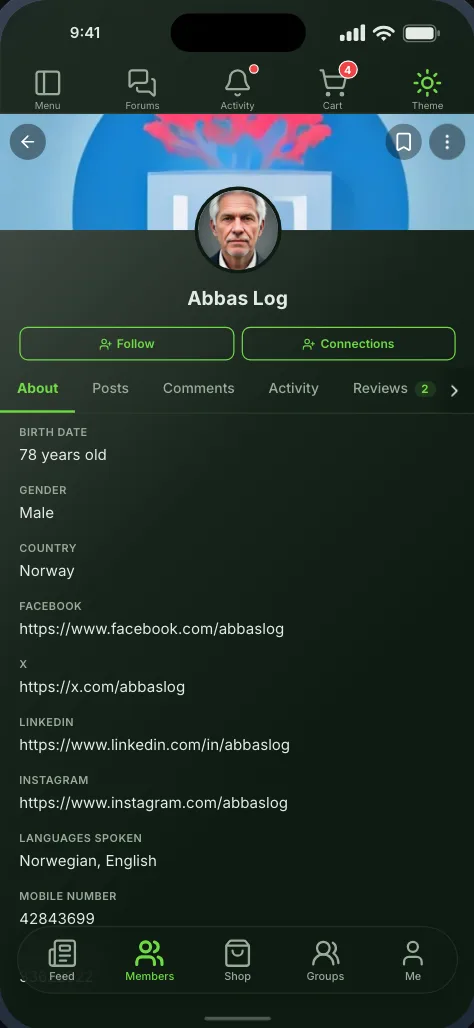
Member profile
Profile fields, tabs and follow — Ultimate Member
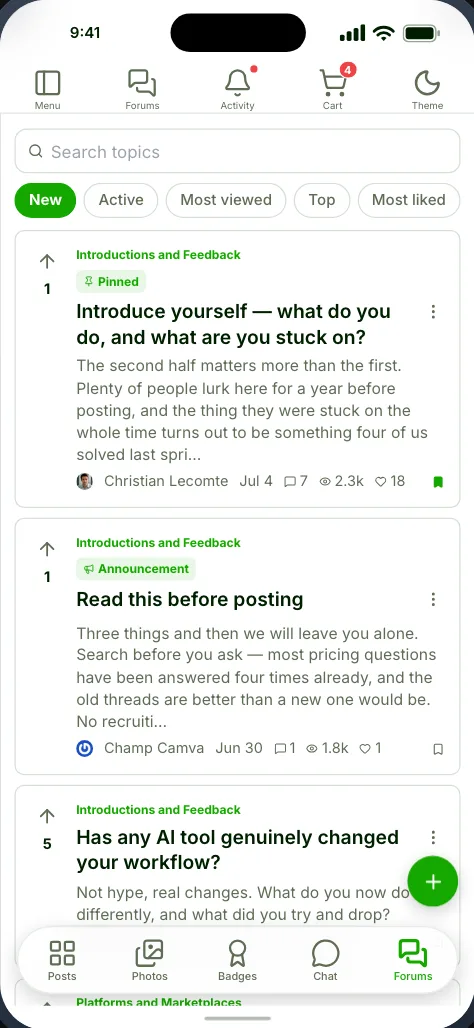
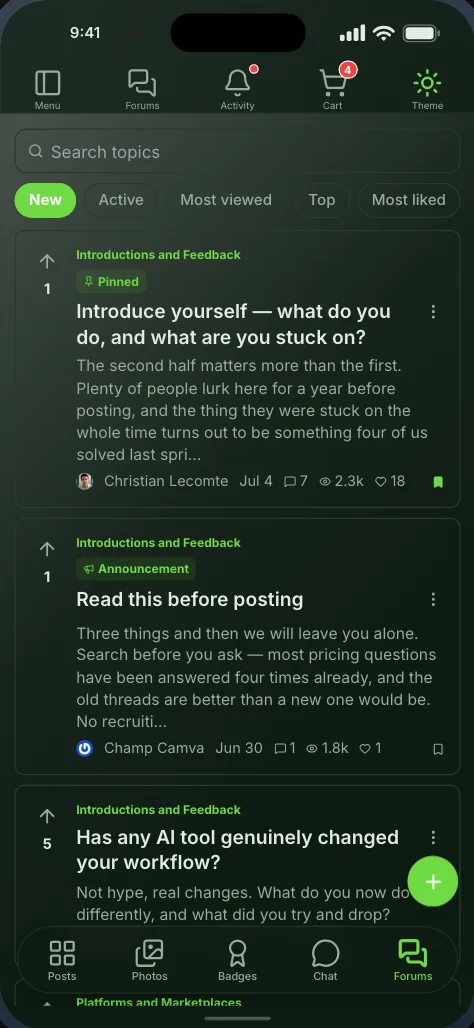
Forum feed
Topics from every forum, newest first — ForumWP
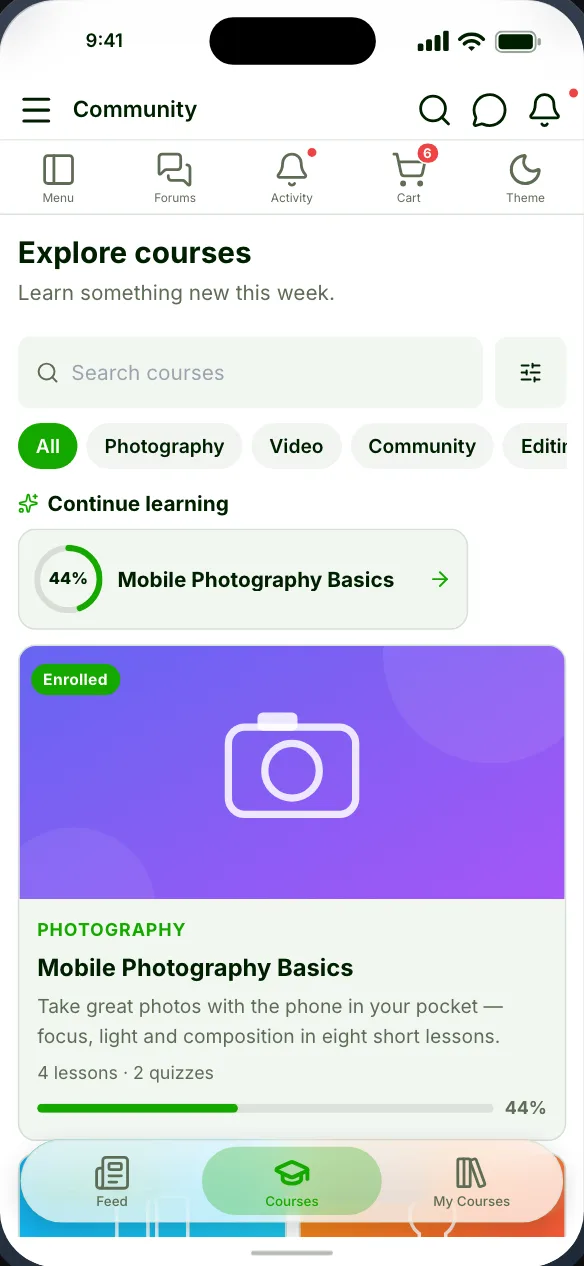
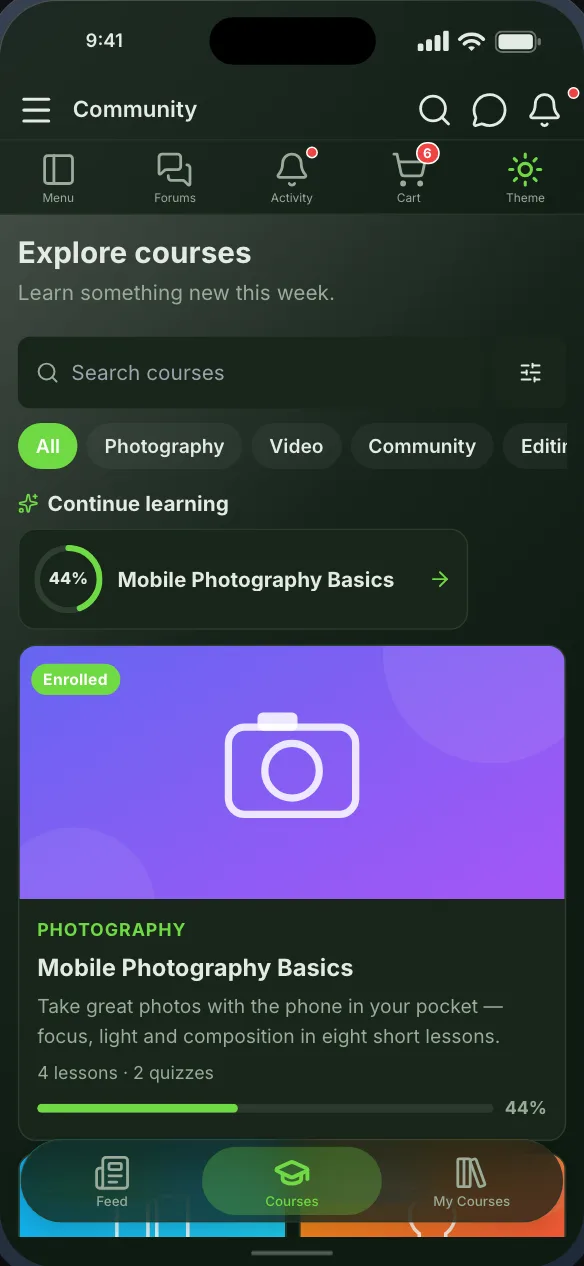
Courses
Lessons, progress and quizzes — LearnDash
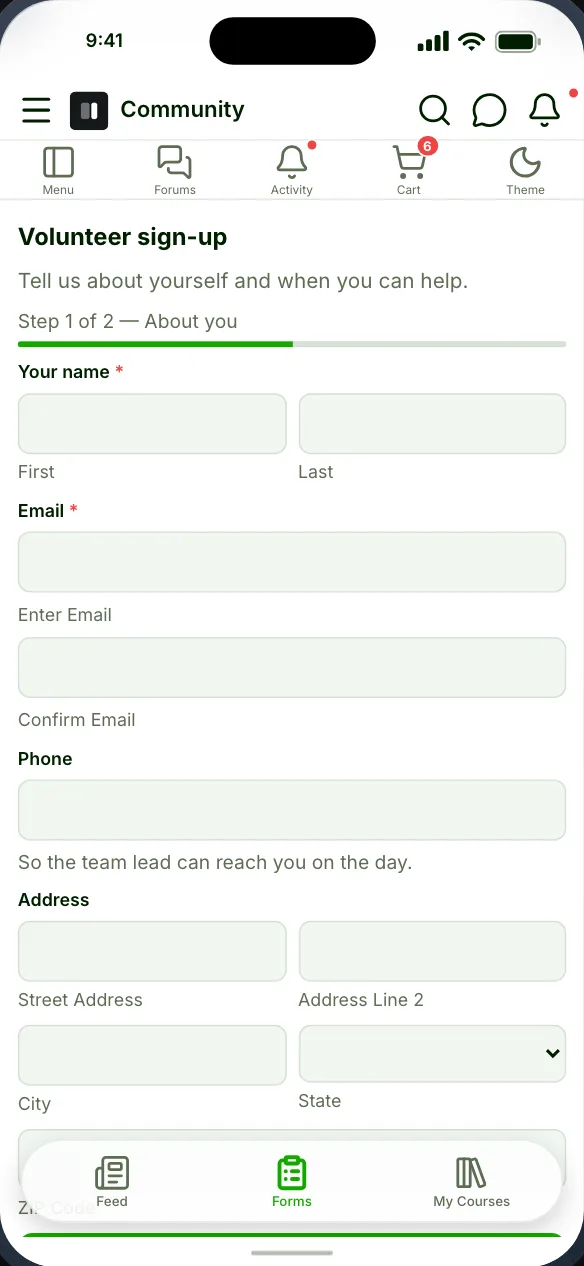
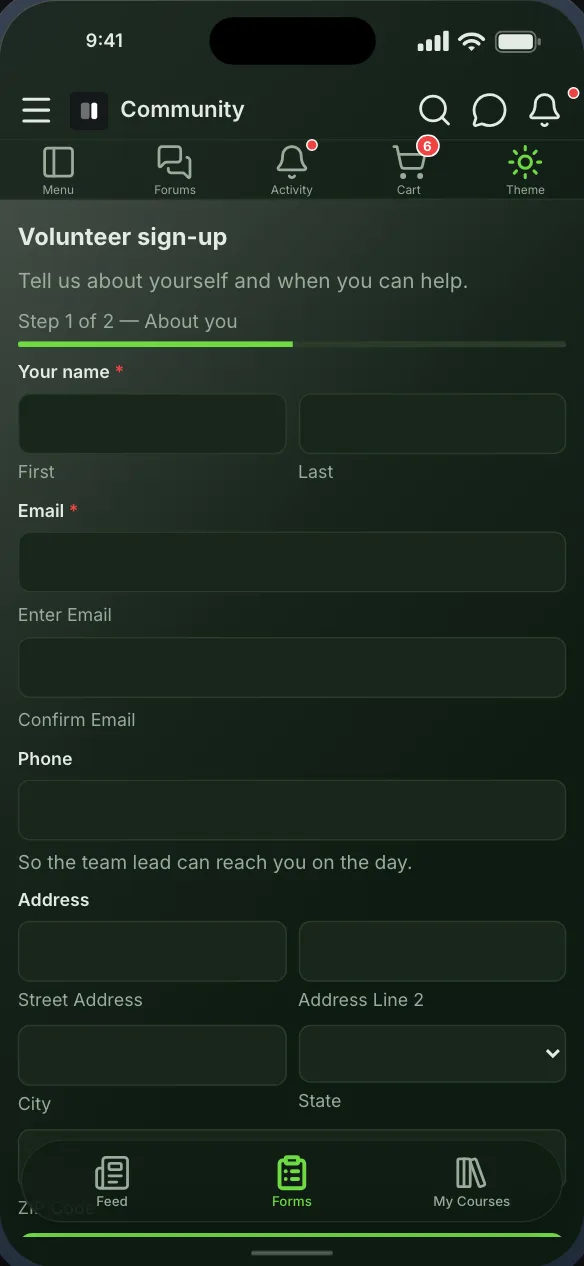
Forms
Multi-page forms with conditional logic — Gravity Forms
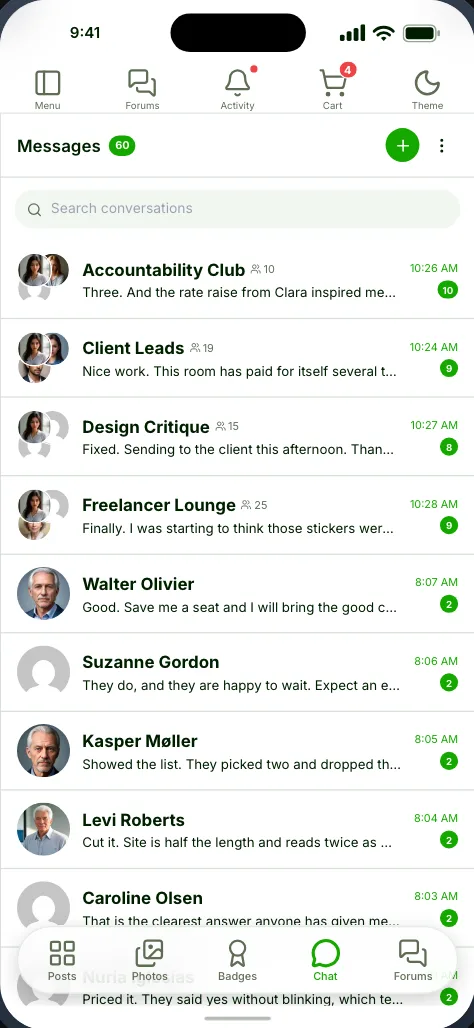
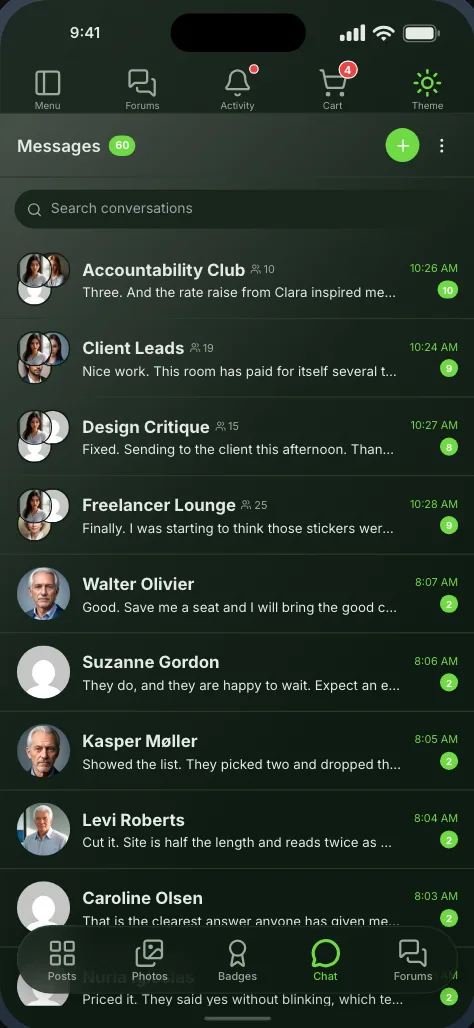
Chat
Conversations, live — Better Messages
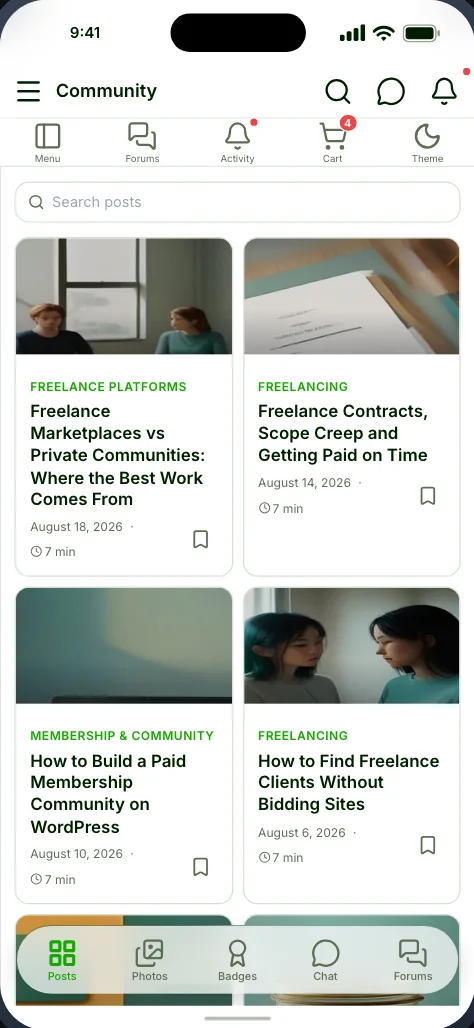
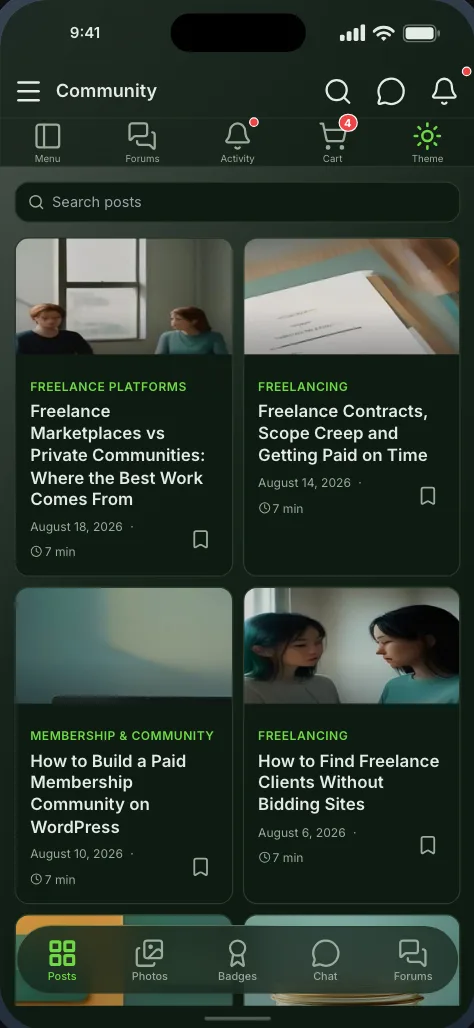
Blog
Your WordPress posts, as a native screen — WordPress
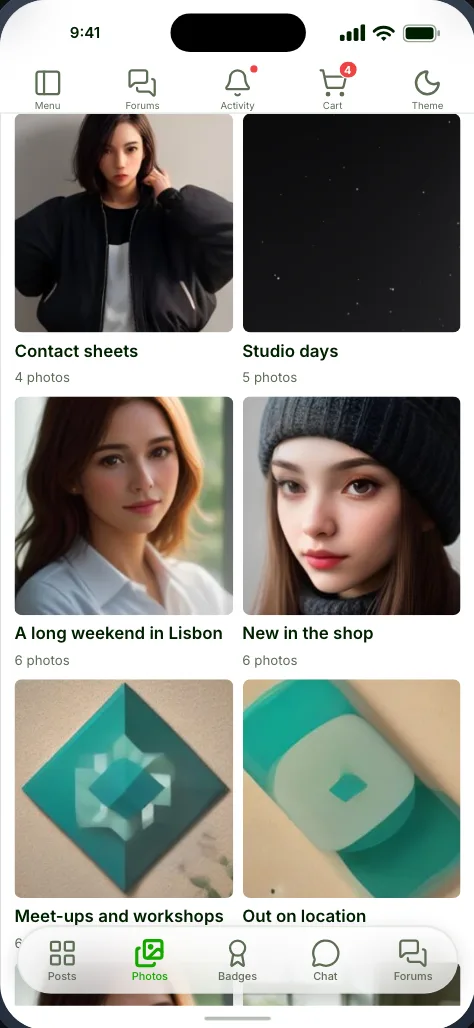
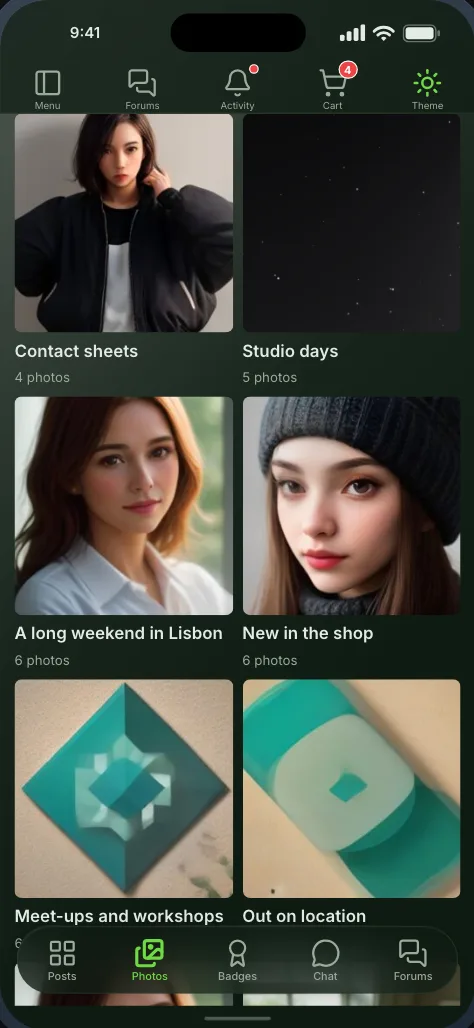
Photo albums
Member albums with comments and likes — UM User Photos
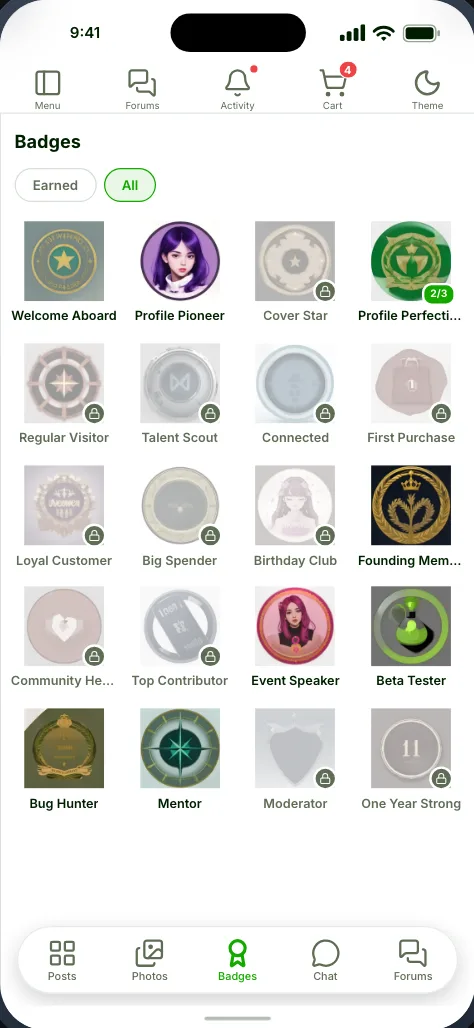
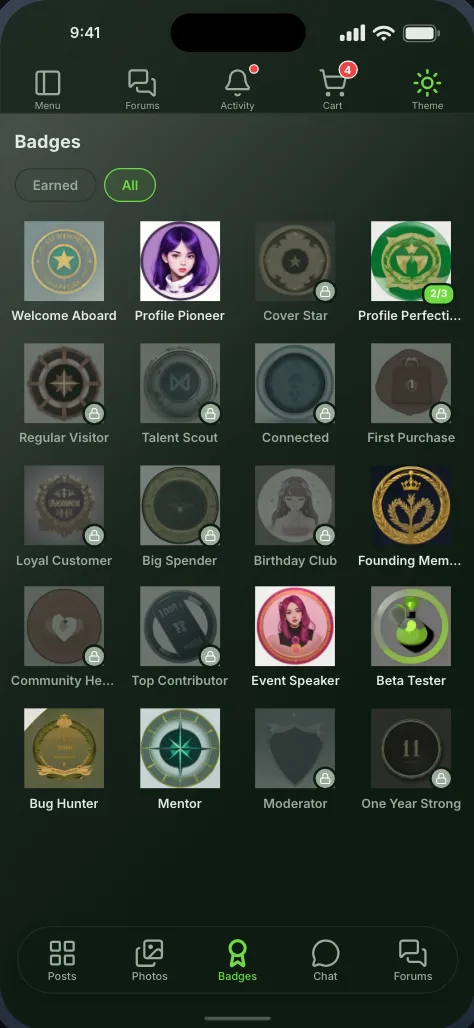
Badges
What members have earned — myCRED
Courses
Your LearnDash courses, taken in the app
Browse the catalogue, read a lesson while its timer runs, and take the quiz at the end — every question type, graded by LearnDash exactly as your website grades it, so progress, certificates and quiz history stay in one place.
- Drip dates, lesson order and prerequisites hold in the app, because the site enforces them
- Check-as-you-go quizzes, time limits and retake limits, with a question navigator
- Pin one course, lesson or quiz to a button of its own
- A Courses tab on member profiles, with the same privacy settings as your website
Forms
Your Gravity Forms forms, filled in natively
Contact forms, sign-ups and applications drawn as real app screens and sent through Gravity Forms on your site — so every submission gets the same validation, entry, notifications and confirmation as your website.
- The same validation messages as your website, under the field they belong to — and your site still checks every page
- Multi-page forms and conditional logic, with pages and fields appearing as answers change
- Choose which roles can submit each form, or open one to visitors behind Turnstile
- On a Forms screen of its own, or as a Gravity Form block on any screen you design
- Members see, edit and delete their entries as their role allows — every edit checked by Gravity Forms first
Everything else
The rest of your site, in the same shell
Not every feature needs a bespoke native screen. These open inside the app with your session already carried across, so members never get bounced to a browser or asked to log in twice.
Features light up based on which plugins are actually active on your site — we check before offering them, so you can’t build a Store tab against a site without WooCommerce.
Navigation
Three surfaces, arranged by dragging
Bottom navigation
Top navigation
Sidebar drawer
Template builder
The screens no plugin gives you, designed yourself
A welcome screen, an about page, a promo, a landing screen for a campaign. Compose them from blocks on a canvas, then drag them into any navigation bar exactly like a screen built from a plugin.
- Every colour is a light and dark pair, so a screen you design once looks right in both modes
- Screen backgrounds in solid colour, linear or radial gradient, or an image with a scrim over it
- Position blocks freely, with padding and margins in pixels, ems or percentages
- Buttons that open any other tab in your app, go back, or follow a link
- Images straight from your WordPress media library, cropped to a ratio you pick
- Videos from your media library, a file link, or YouTube and Vimeo — one at a time or on a swipeable rail, with controls, autoplay and loop you choose
- Tabs members tap or swipe between, each holding its own blocks, with a slider inside a tab keeping its own swipe
- Post and Post Grid blocks that pull real posts from your site — chosen by filter and position rather than by ID, so the same template works in another app pointing at another site
- What you see in the browser preview is what the built app draws, pixel for pixel
A template belongs to your account rather than to one app, so the same screen can go in every app you run — and editing it updates all of them. Free includes five; every paid plan is unlimited.
Appearance
It should look like your community, not like ours
Every colour is yours, and dark mode is a first-class palette rather than an inverted afterthought.
- Primary, text, background, border, secondary and accent colours
- A separate dark palette, with the app opening in whichever mode you choose
- A Dark Mode toggle tab your members can flip themselves
- Per-tab icons — Lucide icons, your own SVG, or your site logo
- Per-tab labels, label colours and icon sizes
- Role-based visibility, so a tab can be members-only or logged-out-only
Offline mode
Still there on the train
A website shows an error page when the signal goes. Your app shows what the member last loaded, and says so.
- Every native screen keeps the content it last loaded, with its images, on the phone
- No signal, or your site down: members keep reading, with a strip saying how old it is
- News Feed, Directory, Profile and Notifications open instantly from the saved copy, then refresh
- Back online on its own — the app checks every 15 seconds and when it is reopened
- Wiped when a member signs out, when their access changes, or when they ask to delete their account
- On for every app on every plan, and one switch in Settings if you would rather it were not
Posting, messaging and paying still need a connection. How offline mode works
Build output
What you actually get
Android
A release Android App Bundle (.aab) signed with your own upload key, which you can send to a Google Play testing or production track straight from your build list, plus an APK for sideloading and testing on a real device before you publish.
iOS
A signed .ipa, compiled on our Mac build servers with your own Apple distribution certificate, and uploaded to TestFlight for you when you add an App Store Connect key. Your signing files stay on your own WordPress site — each build fetches them once, over a request that expires after two minutes, and deletes them when it finishes. The same Build press does Android and iOS, and the pair counts as one build. Every paid plan, or a build pack on Free.
You publish under your own developer accounts — Google Play ($25 one-time) and Apple Developer Program ($99/year) are billed by them, not by us. Your app, your listing, your reviews. If you sell memberships or digital goods in the app, the same applies to store billing: the App Store Connect and Play keys stay on your own WordPress, and the money goes to your account, not ours. Before you upload, submission prep audits the app against what each store enforces and writes the listing, the review notes and the screenshots: app store readiness.
Add-ons
Six services your community can lean on
Each does something WordPress cannot do from the inside — two take work off your server, one reaches members who are not looking at your app, one lets them post video, one counts who saw what, and one puts your own promotions in front of them. Every paid plan includes an allowance of the first five; the paid tiers are for communities that outgrow it. Advertise is included on every plan, Free too, and your app works without any of them.